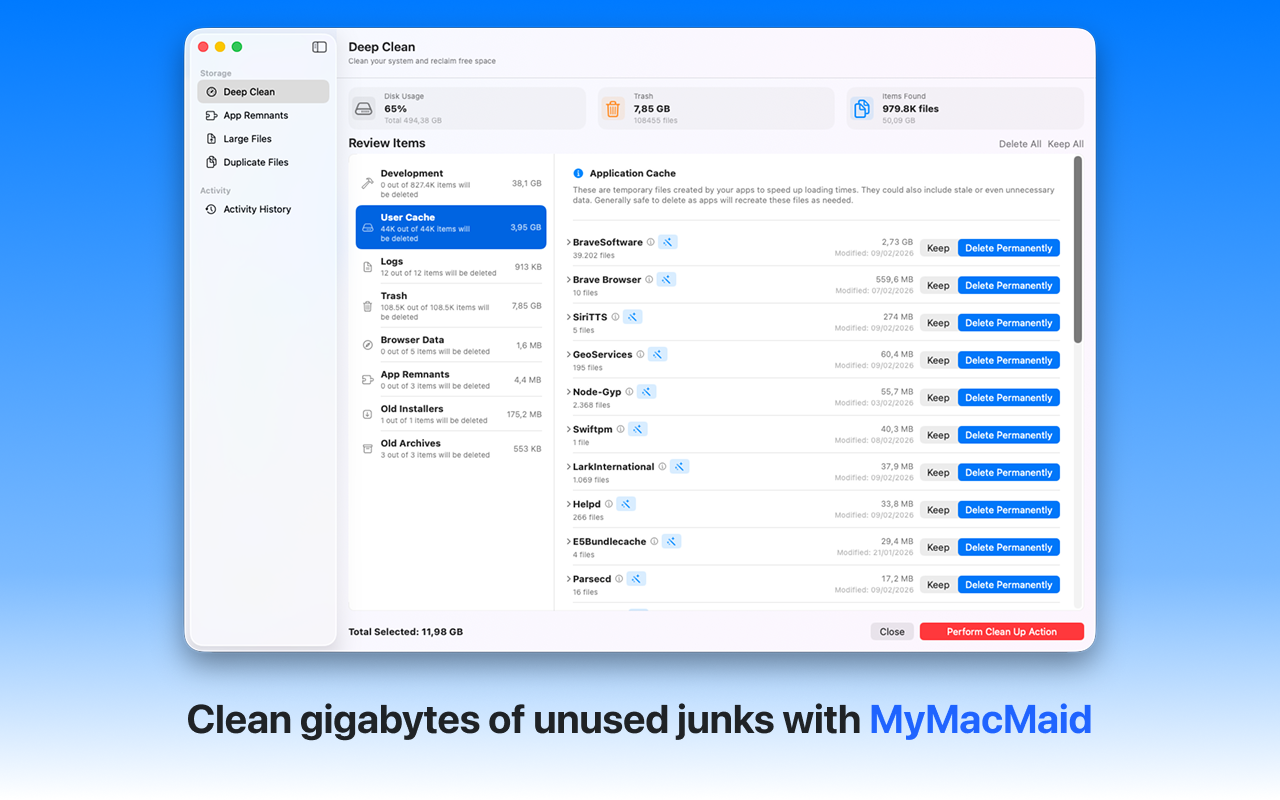
Eliminate redundant files wasting storage. Find and remove duplicate files on your Mac. MyMacMaid's Duplicate Finder uses smart algorithms to identify identical files, helping you reclaim wasted storage space.
Over time, your Mac accumulates gigabytes of unnecessary files—caches, logs, duplicates, and leftovers from uninstalled apps. This hidden clutter slows down your system and consumes valuable storage space.
MyMacMaid's Duplicate Finder uses a smart multi-stage algorithm to accurately identify identical files without false positives. All scanning happens locally on your Mac—your data never leaves your device. Privacy-focused, lightweight, and effective.
Key Features
Frequently Asked
Our duplicate finder uses a three-stage approach: 1) Group files by exact size, 2) Compare partial file hashes to quickly eliminate non-matches, 3) Perform full content comparison for confirmed duplicates. This ensures accuracy while keeping scans fast.
Yes! The duplicate finder identifies identical photo files. Note that it finds exact duplicates (same file content), not just similar-looking photos. For most users, this catches the most common duplicate scenarios.
Many users find 2-10GB of duplicate files, especially those who've migrated from older Macs, sync files across devices, or download the same files multiple times.
Download MyMacMaid for free and start reclaiming your Mac's storage today. No subscription required for core features.
Download Free from App Store