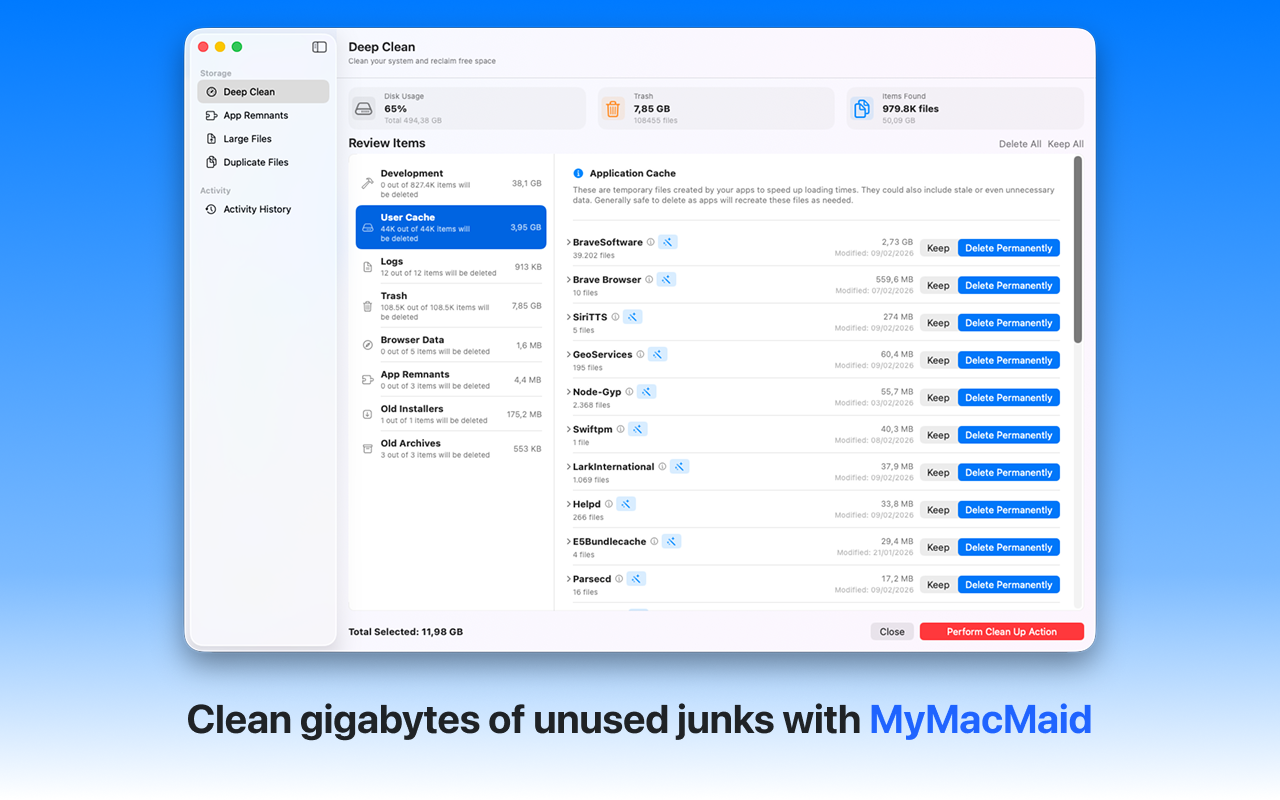
Remove junk files and reclaim valuable disk space. Learn how to effectively clean your Mac storage and remove unnecessary files. MyMacMaid helps you identify and safely delete junk files, caches, and system clutter to free up gigabytes of disk space.
Over time, your Mac accumulates gigabytes of unnecessary files—caches, logs, duplicates, and leftovers from uninstalled apps. This hidden clutter slows down your system and consumes valuable storage space.
MyMacMaid scans your entire disk to identify safely removable files including caches, logs, temp files, and old downloads. All scanning happens locally on your Mac—your data never leaves your device. Privacy-focused, lightweight, and effective.
Key Features
Frequently Asked
With MyMacMaid, cleaning your Mac storage is simple. Launch the app, run a Smart Scan, review the identified junk files, and click Clean. The app identifies caches, temporary files, logs, and other safely removable items to free up disk space.
Yes! MyMacMaid only identifies files that are safe to remove, such as caches, temporary files, and logs. The app never touches your personal documents or critical system files. You can preview everything before deletion.
Most users recover 5-20GB of disk space on their first scan. The amount depends on how long it's been since your last cleanup and how many apps you use regularly.
Download MyMacMaid for free and start reclaiming your Mac's storage today. No subscription required for core features.
Download Free from App Store