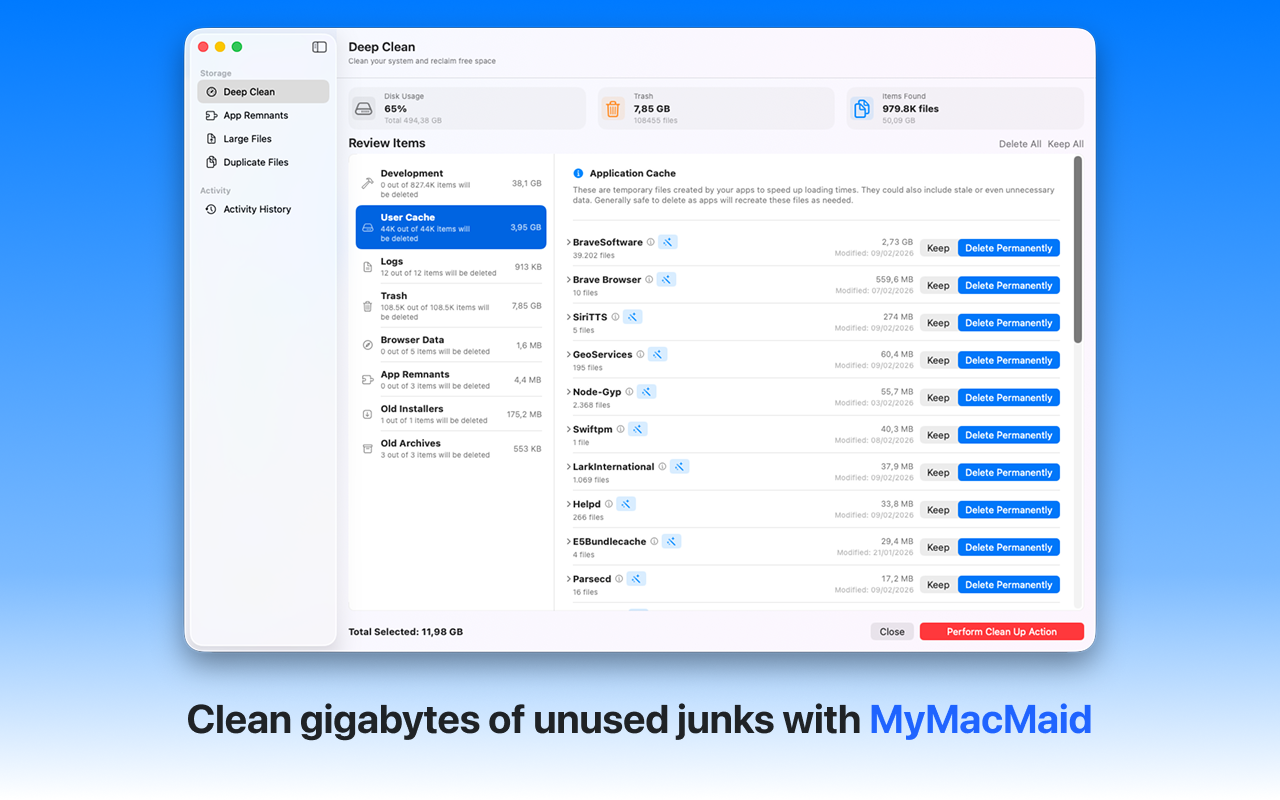
Reclaim gigabytes of storage on your Mac. Discover how to free up disk space on your Mac quickly and safely. MyMacMaid identifies large files, duplicate content, and unused applications to help you reclaim valuable storage space.
Over time, your Mac accumulates gigabytes of unnecessary files—caches, logs, duplicates, and leftovers from uninstalled apps. This hidden clutter slows down your system and consumes valuable storage space.
MyMacMaid provides multiple tools to free up disk space: Large File Finder, Duplicate Scanner, and App Remnant Cleaner. All scanning happens locally on your Mac—your data never leaves your device. Privacy-focused, lightweight, and effective.
Key Features
Frequently Asked
MyMacMaid offers several ways to free up disk space: Use the Large File Finder to locate and remove space hogs, run the Duplicate Scanner to eliminate redundant files, and use Smart Scan to clean system junk. Most users recover 10-30GB on their first cleanup.
Common space hogs include: large video files, old downloads, duplicate photos, application caches, and unused applications. MyMacMaid scans all these categories and shows you exactly what's consuming your storage.
With MyMacMaid, absolutely! The app shows you exactly what will be removed before any deletion. It never touches critical system files or personal documents unless you specifically select them.
Download MyMacMaid for free and start reclaiming your Mac's storage today. No subscription required for core features.
Download Free from App Store