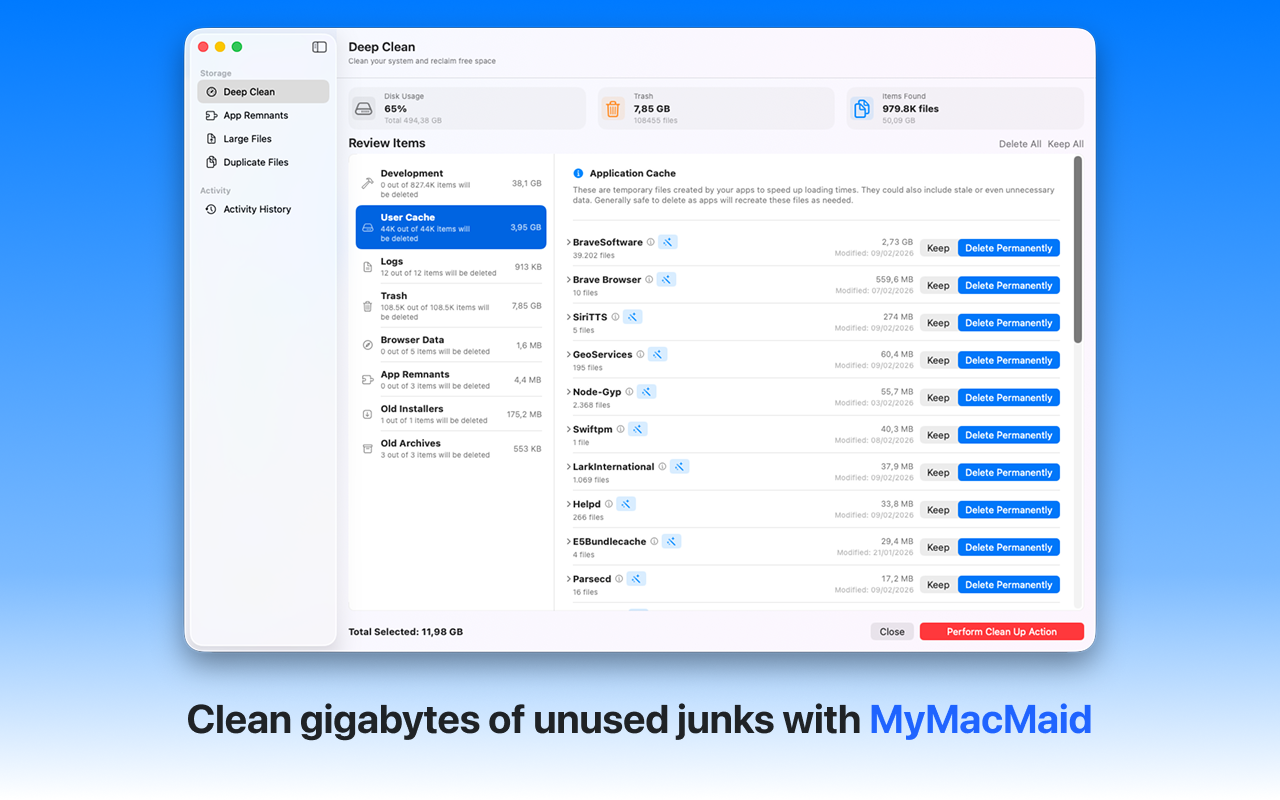
Keep your Mac running at peak performance. Optimize your Mac's performance with MyMacMaid. Remove system clutter, organize storage, and maintain your Mac in top condition with our comprehensive optimization tools.
Over time, your Mac accumulates gigabytes of unnecessary files—caches, logs, duplicates, and leftovers from uninstalled apps. This hidden clutter slows down your system and consumes valuable storage space.
MyMacMaid keeps your Mac optimized by regularly cleaning caches, removing junk files, and managing storage efficiently. All scanning happens locally on your Mac—your data never leaves your device. Privacy-focused, lightweight, and effective.
Key Features
Frequently Asked
MyMacMaid optimizes your Mac by cleaning accumulated junk files, clearing caches that slow down apps, and freeing up disk space. A full disk can significantly slow down macOS, so maintaining at least 10-15% free space is crucial for performance.
Common causes include: low disk space, accumulated system caches, too many startup items, and cluttered storage. MyMacMaid addresses the storage and cache issues, which are often the biggest culprits.
We recommend running a cleanup scan weekly or bi-weekly. MyMacMaid makes this easy with quick scans that identify only new junk files since your last cleanup.
Download MyMacMaid for free and start reclaiming your Mac's storage today. No subscription required for core features.
Download Free from App Store