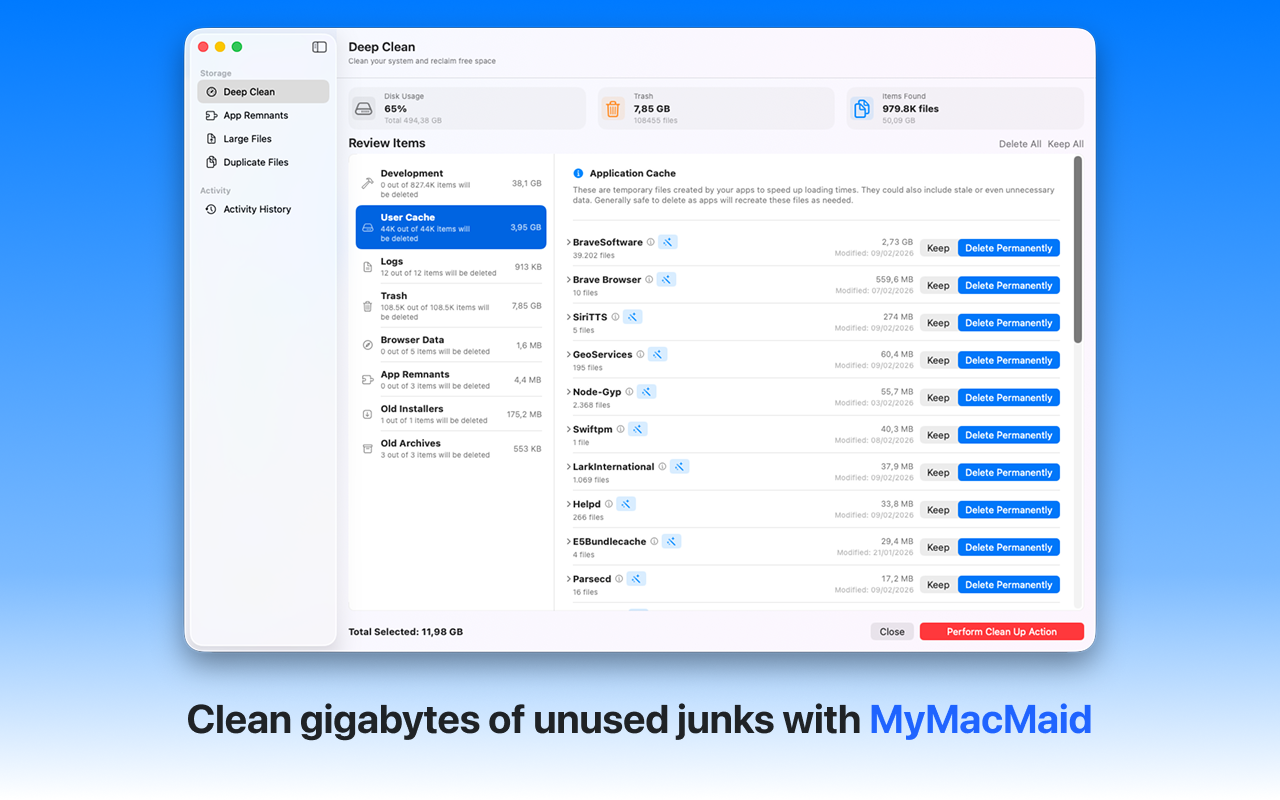
Remove applications and all their leftover files. Completely uninstall Mac applications with MyMacMaid. Unlike dragging to Trash, our uninstaller removes the app AND all associated files, preferences, and caches.
Over time, your Mac accumulates gigabytes of unnecessary files—caches, logs, duplicates, and leftovers from uninstalled apps. This hidden clutter slows down your system and consumes valuable storage space.
MyMacMaid's App Remnant Scanner finds and removes all files associated with uninstalled applications, including hidden preferences, caches, and support files. All scanning happens locally on your Mac—your data never leaves your device. Privacy-focused, lightweight, and effective.
Key Features
Frequently Asked
When you drag an app to Trash on Mac, only the .app bundle is removed. Applications store additional files in ~/Library (preferences, caches, support files) that remain behind, wasting space and potentially causing conflicts.
MyMacMaid scans for app remnants from previously uninstalled applications. It finds leftover files in application support folders, preferences, caches, and containers, then allows you to remove them safely.
Individual app leftovers range from a few MB to several GB (especially for creative apps like Adobe products). If you've uninstalled many apps over time, leftovers can easily total 5-10GB or more.
Download MyMacMaid for free and start reclaiming your Mac's storage today. No subscription required for core features.
Download Free from App Store