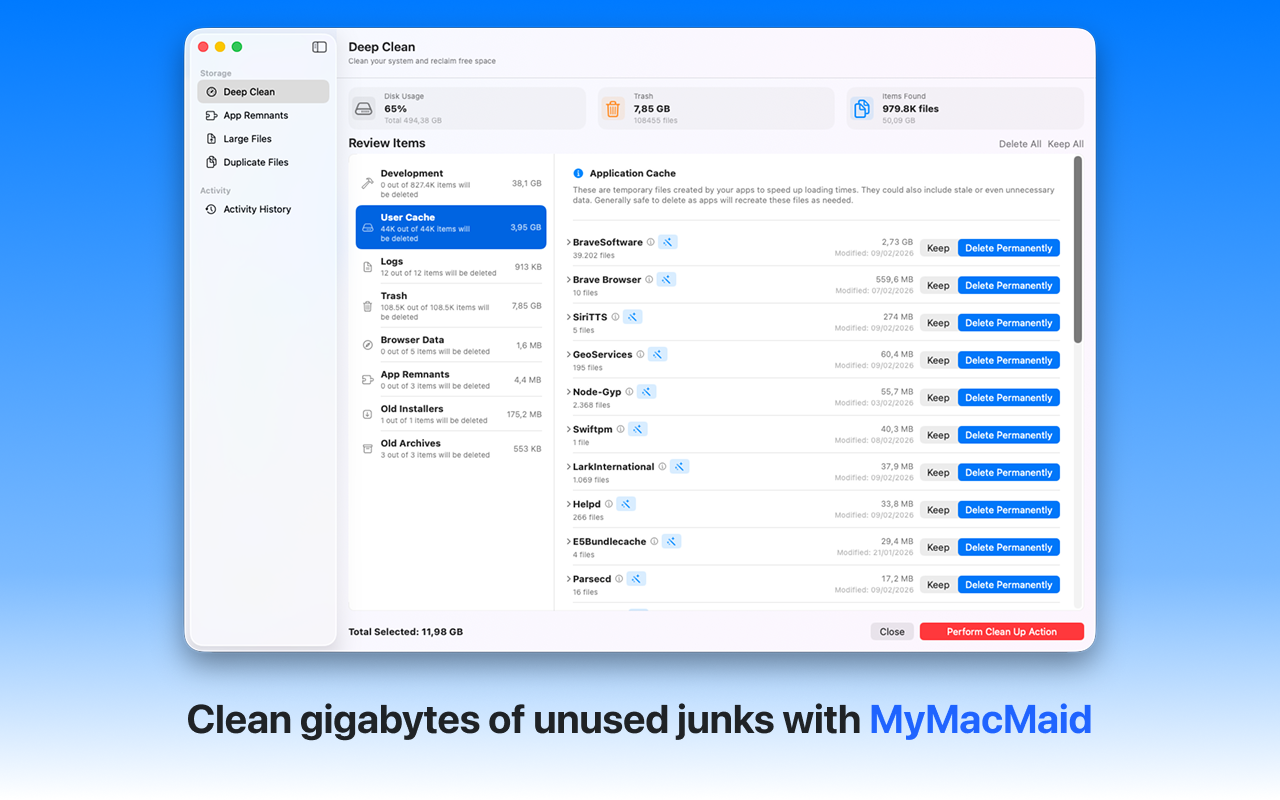
Professional disk cleaning for macOS. Clean your Mac's disk with MyMacMaid—the professional-grade disk cleaner for macOS. Remove junk, find duplicates, and keep your disk organized and running smoothly.
Over time, your Mac accumulates gigabytes of unnecessary files—caches, logs, duplicates, and leftovers from uninstalled apps. This hidden clutter slows down your system and consumes valuable storage space.
MyMacMaid's comprehensive disk cleaning tools handle everything from quick junk removal to deep duplicate scanning. All scanning happens locally on your Mac—your data never leaves your device. Privacy-focused, lightweight, and effective.
Key Features
Frequently Asked
With MyMacMaid, disk cleaning is straightforward: Launch the app, run a Smart Scan to identify junk files, preview the results, and click Clean. For deeper cleaning, use the Duplicate Finder and Large File Finder.
We recommend running a disk cleanup weekly or bi-weekly to prevent junk accumulation. Regular maintenance keeps your Mac running smoothly and prevents the 'disk almost full' warning.
MyMacMaid identifies files that are safe to remove: caches, logs, temporary files, duplicates, and large files you don't need. It never flags critical system files or your personal documents for removal.
Download MyMacMaid for free and start reclaiming your Mac's storage today. No subscription required for core features.
Download Free from App Store